
EIKI EK-600LU Series Quick Start Guide

This document is an EK-600LU series Quick Start Guide, which introduces the product's features and usage methods
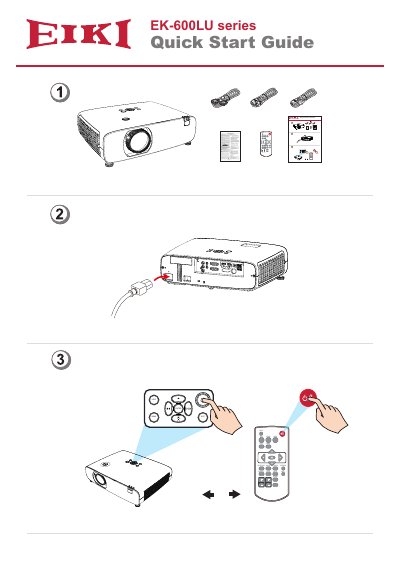

EIKI EK-600LU Series Quick Start Guide - cover page
Brand
EIKI
Category
Projector
Document type
Quick Start Guide
Language
English
Pages
2
File format
PDF
File size
4.2 MB
Published
31 October, 2023
Updated
31 October, 2023
MD5 checksum
EC62C84E5E3D97983B881F4D68951948

About this manual

This guide provides quick setup instructions for the EIKI EK-600LU series projector. It covers basic controls including menu navigation, input signal selection, network settings, USB connections, laser pattern, image adjustment, lens shift, freeze, keystone correction, focus, and screen zoom. The guide is designed for immediate use after unboxing and includes contact information for regional support.

What's inside

  • Menu Operations
  • Input Signals
  • Network Settings
  • USB Connection
  • Laser Mode
  • Image Adjustment
  • Lens Shift
  • Freeze Function
  • Keystone Correction
  • Focus Control

Frequently asked questions

What is the EIKI EK-600LU series?

It is a projector that supports VGA, HDMI, and HDBaseT video inputs and outputs.

Download PDF (4.2 MB)

More EIKI Manuals


View all EIKI manuals →