
Device Cloud Vision is a HiWoo IoT self-developed industrial Internet of Things cloud platform product, which aims to provide customers with equipment data visualization and equipment operation and maintenance services.
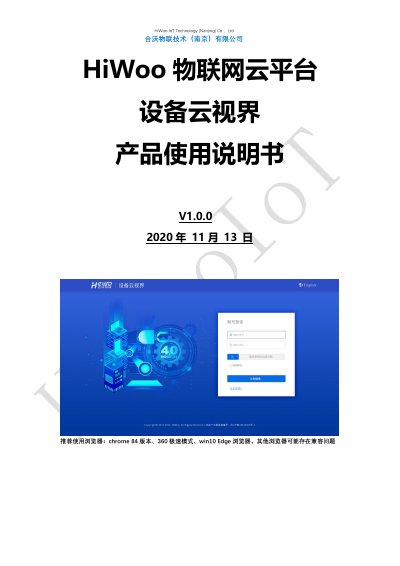
This is the Chinese user manual (V1.0.0, dated November 13, 2020) for 设备云视界, an industrial IoT cloud platform developed by HiWoo IoT Technology (Nanjing) Co., Ltd. The document states that the platform provides device data visualization and device operations and maintenance services, and that together with the company's HiWoo Box series products it forms a complete industrial IoT solution. It recommends using Chrome 84, 360 in speed mode, or the Windows 10 Edge browser, noting that other browsers may have compatibility issues.
The manual is organized into a beginner, intermediate and advanced part plus three appendices. It walks through creating projects, adding boxes, adding devices, setting alarm and event rules, adding users and roles, binding cameras, screen monitoring, data storage configuration with allocated record counts and storage duration, and the analysis center with indicator cards, lists, line charts, bar charts and pie charts. Appendices cover video access to the cloud platform and the cloud SCADA configuration tool. This manual is written in Chinese.
| Document version | V1.0.0 |
|---|---|
| Release date | 2020 年 11 月 13 日 |
| Recommended browsers | Chrome 84, 360 极速模式, Windows 10 Edge |
| Maximum project sub-group levels | 5 levels including the project |
| Minimum allocated record count per project | Greater than 1 (million) records |
| Default allocated record count and storage duration | 0 (no storage until configured) |
Chrome 84, 360 in speed mode, and the Windows 10 Edge browser are recommended; other browsers may have compatibility problems.
An active alarm is an alarm that is still in the alarm state and has not yet recovered.
Sub-groups of a project or group can be added to a maximum of 5 levels, including the project itself.
When the storage duration is set back to 0, the data previously stored is cleared, so the setting should be changed with care.