
This is a user manual for SPRINGER Virtual Library, which mainly introduces how to use SPRINGER Virtual Library for retrieval, including how to login, how to search, and how to get content
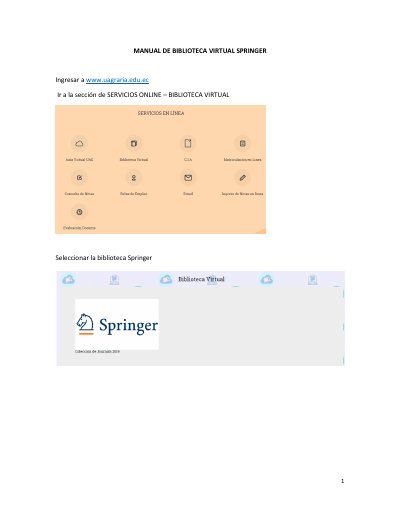
The manual explains how to access the Springer Virtual Library through the Universidad Agraria del Ecuador website. Users navigate to the online services section and select the Springer library to begin searching.
After logging in or registering, users can search for articles, chapters, papers, and reference works in multiple languages. The guide details how to browse volumes, view articles online, and download PDFs. This manual is written in Spanish.
| Content Types | Articles, Chapters, Papers, Reference Works Entries |
|---|---|
| Languages | English, Spanish |
| Access URL | www.uagraria.edu.ec |
| Authentication | Requires university ID number and registration |
Go to www.uagraria.edu.ec, navigate to SERVICIOS ONLINE – BIBLIOTECA VIRTUAL, and select Springer.
Yes, registration and login are required to access all available functions.
You can search for articles, chapters, papers, and reference works entries in multiple languages.
Select the content, click Browse Volumes & Issues, choose the volume, and then click Download PDF.