
This instruction manual introduces the use of Serafim Keybo, including product structure introduction, indicator light guide, Bluetooth use guide, Serafim Keybo APP use guide, hot key use guide, iOS uppercase lock setting, product specifications, Android SDK, Apple IOS technical open source, safety and maintenance.
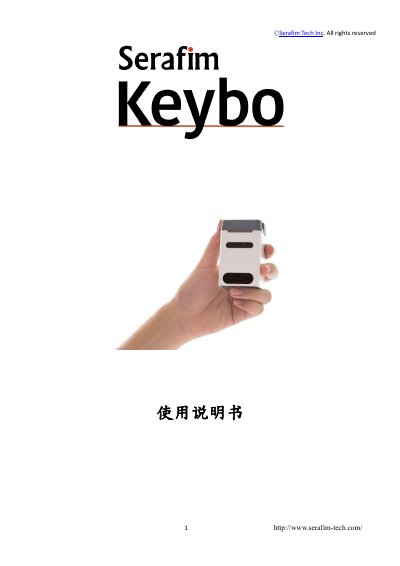
The Serafim Keybo is a keyboard with a pattern projector that projects a QWERTY keyboard or piano layout onto a flat, non-reflective surface. The package includes the Keybo, a Micro USB cable and a user manual. The device has LED indicators for keyboard and power-bank modes and a phone stand for smartphones under 6 inches.
The manual covers product structure, indicator lights, Bluetooth pairing for Android, iOS and Huawei phones, the Serafim Keybo APP, hot keys, iOS Caps Lock setup, product specifications and safety and maintenance. It also lists the projected keyboard languages and piano keyboard support. This manual is written in Chinese.
| Pattern Projector Light Source | Red laser diode |
|---|---|
| Keyboard Layout | QWERTY, 24 keys (14 white, 10 black) |
| Projection Keyboard Languages | Arabic, Chinese, English, French, German, Spanish and Japanese |
| Keyboard Size | Approx. 268mm x 105mm |
| Piano Keyboard Size | Approx. 268mm x 108mm |
| Keyboard Location | Approx. 76mm from the bottom of the device |
| Recognition Rate | Approx. up to 350 characters per minute |
| Battery | Lithium-ion Polymer Battery, 3.7V / 2000mAH (MAX) |
| Battery Operating Time | Approx. 10hr (MAX), keyboard/piano mode only |
| Battery Charging Time | Approx. 300min |
| Bluetooth | Bluetooth V4.0 BLE, HID Profile |
| Dimensions | 48mm x 45mm x 77mm |
| Weight | Approx. 120g ± 5g |
| Operating Temperature | 10 ~ 40°C / 85%RH |
The manual states the battery charging time is approximately 300 minutes.
Arabic, Chinese, English, French, German, Spanish and Japanese are listed.
Install the Bluetooth Auto Connect app from Google Play, then select Media Audio (A2DP) and Input Device (HID) in Profiles before connecting to the Keybo.
The operating temperature range is 10 to 40°C at 85%RH.