
The Sanming Computer Room Management System is a software solution designed for electronic classrooms, teaching laboratories and other public computer room environments. It mainly includes network transmission system, hard disk protection system and network management system. It can simultaneously deploy systems and software to multiple computers (up to 200) in the computer room, and allow the administrator to assign IP information and computer names to different systems in the computer room at one time.
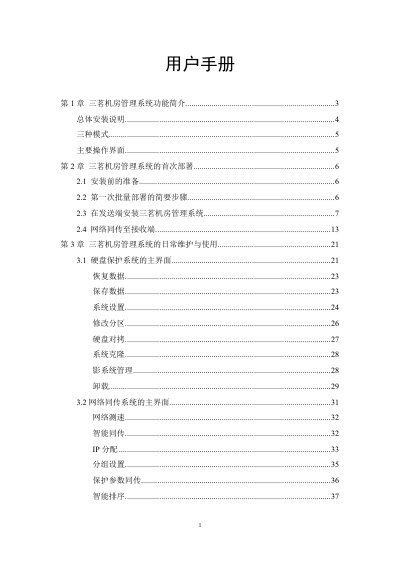
The Sanming computer room management system is used to manage computer lab environments. The manual describes its network transmission, hard drive protection, and network management modules.
It explains installation and first deployment, including open, protected, and exam modes. It also covers daily maintenance, precautions, and troubleshooting. This manual is written in Chinese.
| Maximum number of computers supported | 200 |
|---|---|
| Minimum unpartitioned hard disk space | 1G |
| Hard disk partition size range | 50MB to 500GB |
The system has open mode, protected mode, and exam mode. In open mode, operations are kept; in protected mode, operations are cleared; in exam mode, data is restored after the exam.
The switch must not limit broadcast or multicast transmission. Network devices use twisted pair, and computers must not connect to serial devices.
The password can only be set to no more than 8 characters of letters and numbers.