
This manual introduces how to install the Drive Sleek OTR cellular booster.
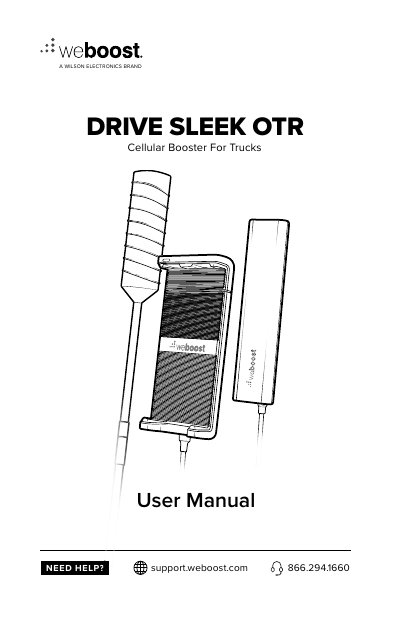
This manual covers installation of the weBoost Drive Sleek OTR cellular booster, including package contents, antenna assembly and mounting, cable routing, booster and cradle connections, power connection, and phone placement in the cradle.
It also includes troubleshooting, safety guidelines, FCC/ISED compliance notes, specifications, and warranty information for the booster.
| Product number | U470035 |
|---|---|
| Model number | 460035 |
| FCC ID | PWO460035 |
| IC certification | 4726A-460035 |
| Frequency bands | 698-716 MHz, 729-756 MHz, 777-787 MHz, 824-894 MHz, 1850-1995 MHz, 1710-1755/2110-2155 MHz |
| Noise figure | 5 dB nominal |
| Power requirements | 12 V 1.5 A / USB 5V 2.1 A |
| Antenna distance from persons | At least 8 inches (20 cm) |
| Warranty | 2 years |
Yes. Before use, you must register the device with your wireless provider and have the provider's consent.
Use only the power supply provided in the package; a non-weBoost product may damage the equipment.
The antenna must be located at least 8 inches (20 cm) from all persons.
It automatically turns power off on that band; after five automatic restarts, problematic bands are permanently shut off until the booster is manually restarted.