
Noahlink Wireless is a portable hearing aid adapter that provides your hearing aids with a wireless connection, making it easier for you to enjoy high-quality wireless audio.
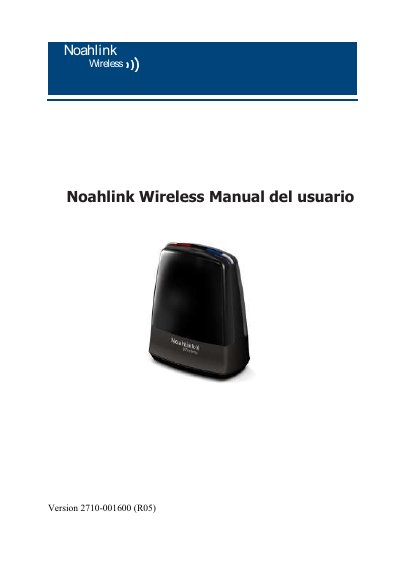
The Noahlink Wireless is a plug-and-play USB programming interface from HIMSA that lets a PC running fitting software connect to and fit wireless hearing aids without a cable or intermediate device. The manual states that it is intended only for fitting hearing aids, that the fitting software must specifically support it, and that it can coexist with other hearing aid programming interfaces such as Hi-PRO and NOAHlink on the same PC.
This Spanish-language user manual covers intended use, safety and compliance, technical specifications, general warnings and precautions, care and warranty, a description of the parts, first steps for installation, tips for an optimal wireless setup, compatibility, LED indicators and troubleshooting, and ends with a list of country radio certifications. The device is powered from a PC USB port, uses a 2.4 GHz wireless link over up to 3 meters, and is manufactured in China for HIMSA II K/S in Copenhagen. This manual is written in Spanish.
| Operating range | 3 meters |
|---|---|
| Power source | USB port of a PC |
| Wireless frequency | 2.4 GHz |
| Operating temperature | 0 to 55 C |
| Storage temperature | -20 to 60 C |
| Warranty | 12 months from the date of original purchase |
The corresponding fitting software must be installed first; the Noahlink Wireless driver is installed together with that fitting software.
Place it on the table with a clear line of sight to the hearing aids, which should be no more than 3 meters away.
A green light lasting 2-3 seconds confirms that the Noahlink Wireless is receiving power.
It is covered by a 12-month manufacturer warranty from the day of original purchase; warranty extensions may apply in some countries.