
This manual introduces the features and use of Origin Effects BASSRIG SUPER VINTAGE 2.
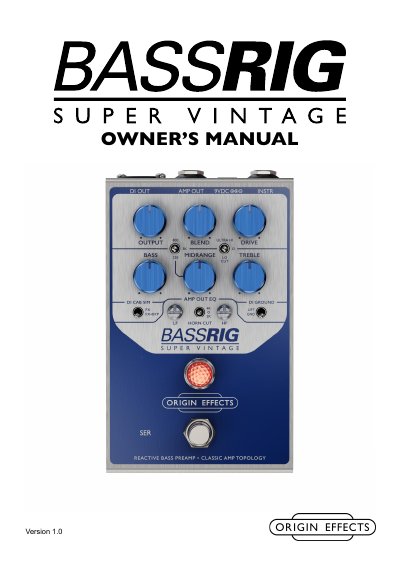
The BASSRIG Super Vintage is an all-analog amp recreation and overdrive pedal based on the Ampeg SVT valve bass amp and its 8x10 speaker cabinet. This Version 1.0 owner's manual explains how to connect and power the pedal and how to use the main controls and AMP OUT EQ.
It also covers the DI OUT and its cabinet simulator, DI GROUND and DI CAB SIM switches, sample settings, physical and performance specifications, connector pin out and safety notices. The pedal is designed to be powered from a 9VDC, >150mA supply with a 2.1mm centre-negative barrel connector.
| Input impedance | 1 MΩ |
|---|---|
| Output impedance | 500 Ω |
| Current draw | 150 mA |
| Power supply requirements | 9VDC, 2.1mm centre negative connector |
| Weight (unboxed) | 846 g (30 oz) |
| Length (unboxed) | 146 mm (5.7 in) |
| Depth (unboxed) | 93 mm (3.6 in) |
| Height (unboxed) | 64 mm (2.5 in) |
It requires a 9VDC, >150mA power supply with a 2.1mm centre-negative barrel connector.
It blends your clean signal in parallel with the recreated amp tone; turning it counterclockwise progressively mixes in more clean signal.
It selects whether the cabinet simulator is always on or only active when the pedal is engaged.
It selects 220Hz, 800Hz or 3kHz.