
da Vinci nano w 3D printer user manual, introduces safety requirements, operating guide, maintenance information and application skills
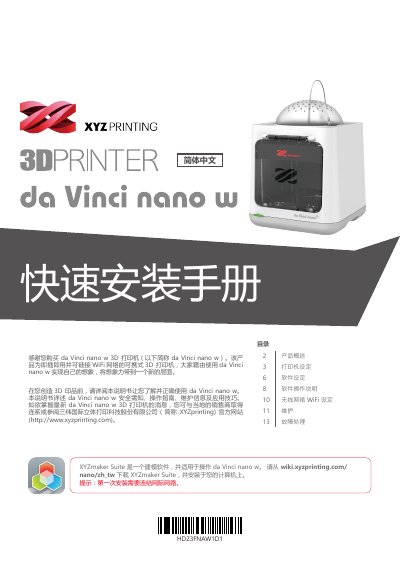
The da Vinci nano w is a plug-and-play, WiFi-capable portable 3D printer from XYZprinting. This manual covers safety notes, operating instructions, maintenance information and application tips, with a table of contents listing product overview, printer setup, software setup, software operation, WiFi setup, maintenance and troubleshooting.
The specifications section lists FFF printing technology, a 120 x 120 x 120 mm build size, 0.1-0.4 mm layer height, a 0.4 mm nozzle, and 1.75 mm filament in PLA, Tough PLA and PETG. The manual also explains the button and indicator light states, unpacking and accessories, loading filament through XYZprint, platform calibration and Z-Offset adjustment. This manual is written in Chinese.
| Printing technology | FFF (fused filament fabrication) |
|---|---|
| Product weight | 4.7 kg |
| Dimensions | 378 x 280 x 355 mm |
| Build size | 120 x 120 x 120 mm |
| Print resolution (layer height) | 0.1-0.4 mm |
| Nozzle diameter | 0.4 mm |
| Printing materials | PLA, Tough PLA, PETG |
| Filament diameter | 1.75 mm |
| Printing software | XYZprint |
| File formats | .3w / .stl / .3mf |
| Supported operating systems | Microsoft Windows 7 or later; Mac OSX 10.9 or later |
| Connection | USB 2.0 cable, WiFi 802.11 b/g/n |
Short-press the button once while printing to pause; short-press again to resume.
Each Z-Offset adjustment changes the distance between the platform and the print module by 0.05 mm.
The recommended operating environment temperature is 15 °C to 32 °C (59 °F to 90 °F).
The printer uses 1.75 mm filament.