
English manual of CNV-DMXR2 tool introduces all functions and usage methods of the software, including Chinese and English language switching, power on level reading and writing, data loss information reading and writing, DMX512 address reading and writing, simple DMX512 dimming test and curve setting.
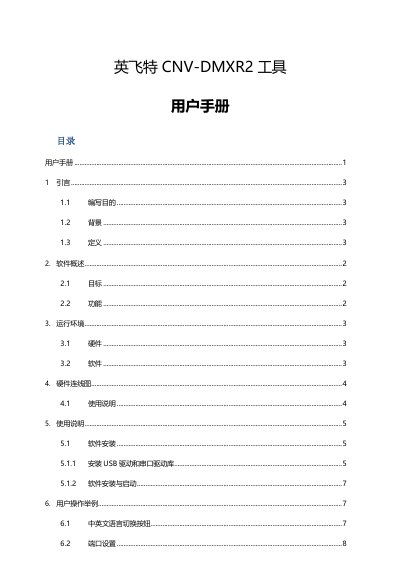
This manual describes the Inventronics CNV-DMXR2 tool software for the CNV-DMXR2 converter, which converts DMX512 signals to 0-10V analog signals and is compatible with the RDM protocol. It covers the software functions, operating environment, hardware wiring, installation, and user operation examples.
The documented functions include language switching, power-on level read/write, data loss information read/write, DMX512 address read/write, curve parameter read/write, and a simple DMX512 dimming test. The manual also provides hardware connection notes and troubleshooting guidance for serial port detection. This manual is written in Chinese.
| Processor | 1 GHz or higher (32-bit) |
|---|---|
| Memory | 512 MB or more |
| Disk space | 20 GB or more available |
| Programming module | UTEK UT890 |
| Operating system | Windows XP, Windows 7, or similar |
| .NET Framework | 4.0 or higher |
| Supply voltage | 12 VDC |
| Current consumption | 200 mA maximum |
It converts DMX512 signals to 0-10V analog signals and is compatible with the RDM protocol.
Yes, it supports Chinese/English language switching.
Ensure the hardware connections are correct, then click Port refresh to find the serial port device.
Click the Default button.