
This document is about the operating instructions for DC-500 smart camera, which introduces the features and characteristics of the product, including location, comparison, no, measurement, counting, control signal and other algorithm functions, as well as system settings, advanced settings, common menu functions and product specifications and accessories.
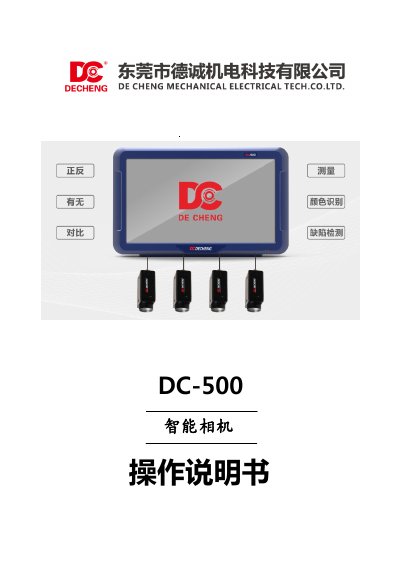
This manual is for the Decheng DC-500 smart camera. It describes the software main interface, algorithm functions such as positioning, comparison, presence/absence, measurement, counting and control signals, and common menu functions.
The manual also lists product features, including a 13.3-inch touch display, IP65 sealed aluminum housing, built-in digital light sources, digital I/O, support for 1-4 gigabit Ethernet industrial cameras and built-in WiFi, plus precautions for use. This manual is written in Chinese.
| Display | 13.3-inch touch display; supports mouse and keyboard |
|---|---|
| Housing protection | Aluminum die-cast, fully sealed, IP65 |
| Digital light sources | 4 built-in digital light sources |
| Digital I/O | 8 digital inputs and 8 digital outputs with optocoupler isolation |
| Camera support | 1-4 gigabit Ethernet industrial cameras |
| Wireless | Built-in WiFi for online upgrade and remote debugging |
It is used for assembly orientation confirmation, carrier tape presence confirmation, pre-assembly product comparison, quick dimensional measurement, wire sequence color recognition, and injection molding defect confirmation.
The embedded Decheng vision software can perform presence/absence, orientation, measurement, defect detection and color recognition.
Stop monitoring first, then click algorithm settings in the main interface menu to enter the algorithm function menu, adjust the light, camera and lens, and click take reference.
It compares the real-time captured image with the template image and alarms when the number of differing pixels exceeds the set value.