
This document is a product manual for IMI Home Security Camera, which introduces the product's name, model, dimensions, weight, power input, lens angle, resolution, focal length, operating temperature, wireless connectivity, storage, and supported devices.
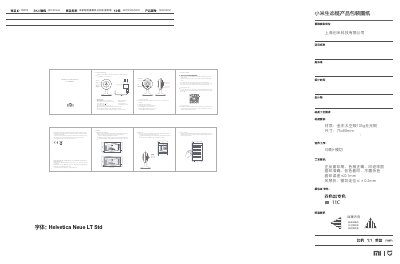
This manual is for the IMI Home Security Camera (model CMSXJ01E), manufactured by Shanghai Imilab Technology Co., Ltd. It describes package contents, product views, status indicator meanings, reset button use, power connection, and Mi Home app setup.
It also covers playback of MicroSD card video clips, device sharing, real-time video browsing, and lists product specifications such as dimensions, power input, lens angle, resolution, and wireless connectivity.
| Model | CMSXJ01E |
|---|---|
| Dimensions | 102 mm x 62 mm x 62 mm |
| Weight | 64.8 g |
| Power input | 5 V 1 A |
| Lens angle | 100.4° |
| Resolution | 720p |
| Focal length | 2.95 mm |
| Operating temperature | -10 to 40 °C |
| Wireless connectivity | Wi-Fi IEEE 802.11 b/g/n 2.4 GHz |
| Storage | MicroSD card (up to 64 GB, FAT32 or exFAT) |
| Device supported | Android 4.4 or iOS 8.0 or above |
Use the length of the needle and reset the hole to restore the factory settings.
Solid blue light means connected or normal use, blinking blue means a network exception, fast blinking orange means the camera is to be connected, and slow blinking orange means upgrading.
The camera supports a MicroSD card up to 64 GB in FAT32 or exFAT format.
Scan the QR code or go to the App store to download and install Mi Home app.