
USR-IO34-CAT1 manual introduces USR-IO34-CAT1's function features, quick start, product overview, product function, active reporting, working mode, firmware upgrade, serial port, etc., which is suitable for users of this product
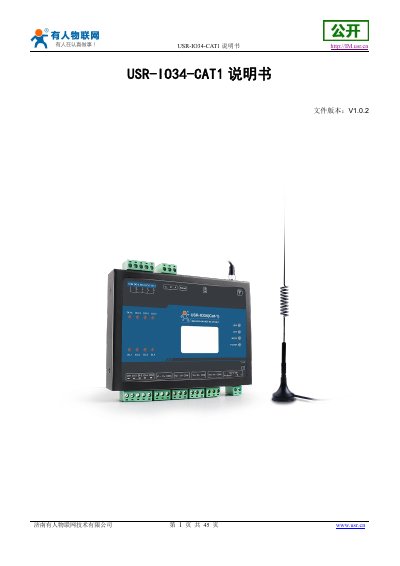
This is the V1.0.2 user manual for the USR-IO34-CAT1 network IO module from USR IoT (Jinan USR IoT Technology Co., Ltd.). It opens with a quick-start chapter that lists the hardware needed for testing (the module, a DC12V/1A power supply, a full-band suction-cup antenna and a USB-to-RS485 converter), explains how to insert the SIM card, power the device and associate it with the USR cloud using the IMEI and SN on the device label, and describes serial-port control and parameter configuration.
The rest of the document covers product functions — digital input, relay output, analog input, conditional control, active reporting, master/slave working modes, FTP and serial firmware upgrades, serial port settings, remote server function, status LEDs and hardware factory reset — followed by application examples, the Modbus frame and register allocation tables, contact information, disclaimer and revision history. This manual is written in Chinese.
| Relay outputs | 4 channels |
|---|---|
| Digital inputs | 4 channels, bidirectional |
| Analog inputs | 4 channels, voltage or current selectable per channel |
| Conditional control commands | 8 |
| Supported Modbus function codes | 0x01, 0x02, 0x03, 0x04, 0x05, 0x06, 0x0F, 0x10 |
| Default RS485 serial parameters | 9600, 8, 1, None |
| Default server address | cloudio.usr.cn |
| Default TCPC remote connection port | 15000 |
It provides 4 relay outputs, 4 bidirectional digital inputs and 4 analog inputs, each analog channel selectable for voltage or current.
Log in to cloud.usr.cn, choose Add Device under device management, enter the IMEI and SN from the device label and submit; after power-on, wait until the NET LED stays on, which means the device is connected to the cloud.
The initial RS485 serial parameters are 9600, None, 8, 1.
Two working modes are supported: master mode and slave mode; in master mode it can cascade multiple Modbus RTU devices over RS485.