
This manual introduces the features, appearance, accessories, installation dimensions, working principles, specifications, equipment configuration, etc. of PLC-500T PRO serial industrial gateway network treasure in detail.
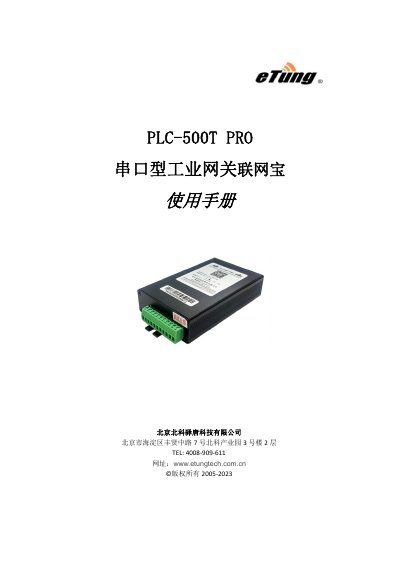
The Beike Yitang PLC-500T PRO is a lightweight industrial gateway designed for remote data acquisition and program upload/download for serial devices like PLCs and touch screens. It features industrial-grade design with RS232 and RS485 interfaces, supporting LTE 4G Cat4 networks and compatible with 3G/2G. The device uses MODBUS RTU for local communication and MQTT to connect to the Yitang Industrial Cloud Platform for remote monitoring and control. This manual is written in Chinese.
| Power Supply | +5 ~ +36V wide voltage input |
|---|---|
| Data Interfaces | RS232 and RS485 |
| Antenna Interface | SMA female, 50 Ohm impedance |
| SIM Card Interface | Pop-out SIM card slot |
| Working Current | 410mA@+5V DC, 170 mA@+12V DC |
| Standby Current | 220mA@+5V DC, 100mA@+12V DC |
| Operating Temperature | -40°C ~ +85°C |
| Dimensions | 103x64x24mm (excluding antenna, terminals, and handle) |
| Network Support | TDD-LTE/FDD-LTE/HSPA+/UMTS/EDGE/GPRS/GSM |
The device connects to the Internet via wireless dialing, then uses MODBUS protocol to collect data from connected devices and uploads it to the cloud platform via MQTT.
Send the command 'AT+MODBUS?' to check the status; it returns 'OFF' if stopped and 'ON' if active.