
OMM-iRELAY I/O 联网模块 is a cost-effective, stable and reliable data acquisition module that supports 8 dry contact inputs, 8 relay outputs, Ethernet ModBus/TCP protocol, and simultaneously supports 4 connections. It can transfer remote dry contact input signals to local dry contact outputs through the Ethernet, which can be used back to back.
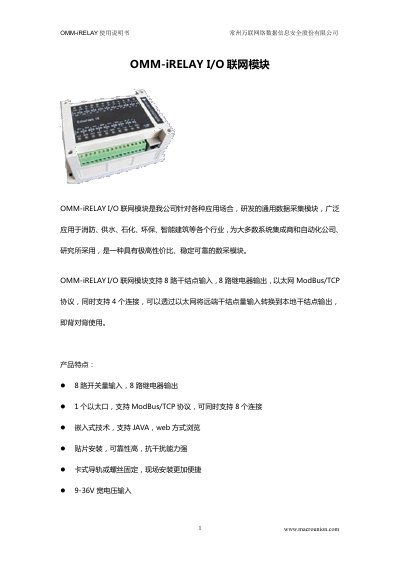
The Macrounion OMM-iRELAY is a universal data acquisition module designed for various applications including fire protection, water supply, petrochemical, and environmental protection industries. It features 8 dry contact inputs and 8 relay outputs, supporting Ethernet ModBus/TCP protocols and allowing for back-to-back usage to convert remote inputs to local outputs.
The document details two primary configuration methods: Telnet and Web interface. Users can configure network settings, ModBus parameters, and back-to-back modes via these interfaces. The manual also describes the function of the device's LED indicators, including PWR, SVR, CLI, RUN, LINK, and input/output status lights. This manual is written in Chinese.
| Inputs | 8 channels, dry contact |
|---|---|
| Ethernet Port | 10M, RJ45 |
| Serial Port | RS485, ModBus/RTU |
| Power Supply | 12V, 24V DC |
| Operating Temperature | -10 to 60 C |
| Dimensions | 143mm x 90mm x 120mm |
Enter the command 'telnet 192.168.0.253 9999', where 9999 is the dedicated TCP port for remote management.
The default IP address is 192.168.0.253.
The O1-8 LED indicators will light up green when the relay output is connected and turn off when not connected.