
This manual provides instructions on how to install your Bradford White Connect™ Adapter as well as connect it to the internet.
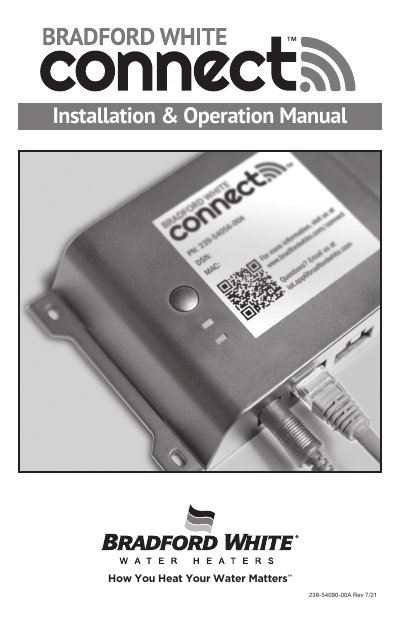
The Bradford White Connect Adapter is the company's first internet-connected product, designed to allow homeowners to remotely control their Bradford White water heaters via a mobile app. It enables users to change settings, set weekly schedules, and monitor error messages from anywhere. The device connects to the water heater via an Ethernet cable and requires a 120V power source within 5 feet of the unit. Installation is recommended to be performed by a plumbing professional to ensure compliance with local and national codes.
The installation process involves mounting the adapter on a flat surface, connecting it to the water heater's Ethernet port, and plugging it into a power source. Once powered, the adapter's LED indicators show its status, such as connection to the internet or firmware updates. Users pair the device with the Bradford White Connect App using Bluetooth, entering a code derived from the adapter's serial number for security. Optional electric grid connectivity can be achieved by inserting a compatible DC Universal Communications Module into the CTA-2045 port.
| Power Requirement | 120V source |
|---|---|
| Power Cable Length | 5 foot |
| Mounting Distance from Water Heater | Within 5 feet |
| Bluetooth Pairing Push Duration | 3 seconds |
| Factory Reset Push Duration | 20 seconds |
It is Bradford White's first internet connected product that allows remote control over the water heater.
Bradford White strongly recommends that installation is done by a plumbing professional.
A blinking blue LED indicates that Bluetooth is activated and the pairing process has begun.
Press and hold the Action Button for 20 seconds to factory reset the Adapter.