
This manual introduces the use of PCAN-USB, including driver installation, hardware connection, baud rate change, CAN message reception, message logging, message sending and custom baud rate.
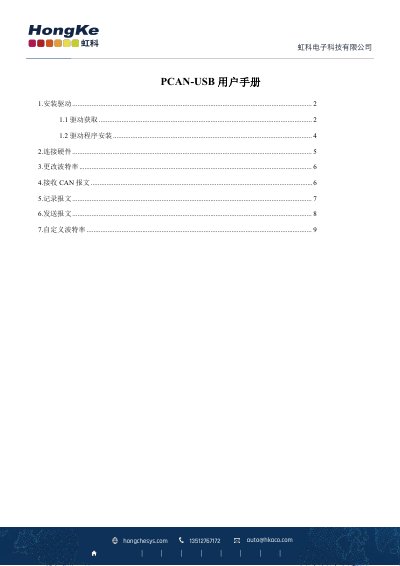
This document is the user manual for the HONGKE PCAN-USB device. It details the process of acquiring and installing the necessary drivers for Windows and Linux systems, including how to use the PEAK-Drivers setup wizard. The guide also explains how to verify the installation via the device manager. This manual is written in Chinese.
The latest drivers for Windows and Linux systems can be downloaded from the HONGKE PEAK Chinese official website at https://peak-system.com.cn/driver/.
If using PCAN-USB, you should select 'CAN device drivers' and 'Virtual PCAN drivers' during the installation process.
The recorded data is saved in the .trc file format, which can be opened with Notepad or converted using PCAN-Converter.