
The high-definition audio and video all-in-one machine is a conference equipment that integrates high-definition camera and high-fidelity speaker. It can be equipped with up to 3 independent wireless distributed microphone pickup according to user's choice to help users solve the video and long-distance pickup problems in large conference scenes.
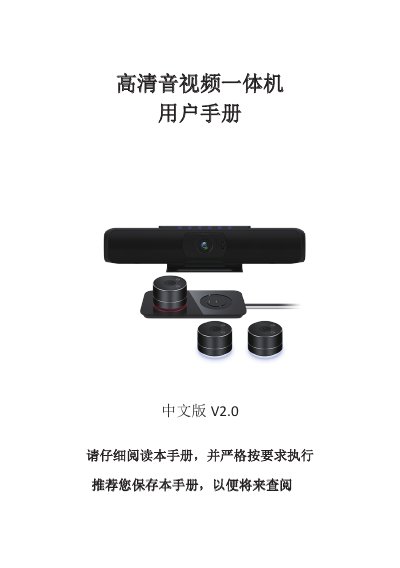
The High-Definition Audio and Video V2.0 all-in-one machine is designed for conference scenarios, featuring a built-in HD camera, high-fidelity speakers, and support for up to three independent wireless distributed microphones. It supports full HD 1080p resolution and includes features like EPTZ (Electronic Pan Tilt Zoom) and picture-in-picture functionality to enhance video conferencing experiences. The device also utilizes advanced audio technologies such as echo cancellation and noise suppression. This manual is written in Chinese.
| Maximum Resolution | 1920x1080 |
|---|---|
| Horizontal Field of View | 105.6° |
| Wireless Transmission Distance | 10 meters |
| Microphone Pickup Radius | 3 meters |
| Microphone Battery Life | 8 hours |
| Charging Time | 1 hour |
| Power Input | DC 12V/2.0A |
Turn on the microphone until the blue light flashes, press the mute button until the light turns red, then bring it close to the host and hold the mute button for about 10 seconds until the blue light stays on.
Ensure the microphone is within 10 meters of the host and has been correctly paired. Also, keep the host at least 3 meters away from other wireless devices like routers.
Place the microphone on the contact charging disk. It can also be charged via the Type-C interface. The battery is fully charged when the purple light stays on.