
BL102 PLC collection gateway instruction manual, introduces product overview, application diagram, packing list, function features, technical parameters, device selection, hardware description, product installation, configuration software use instructions and other contents
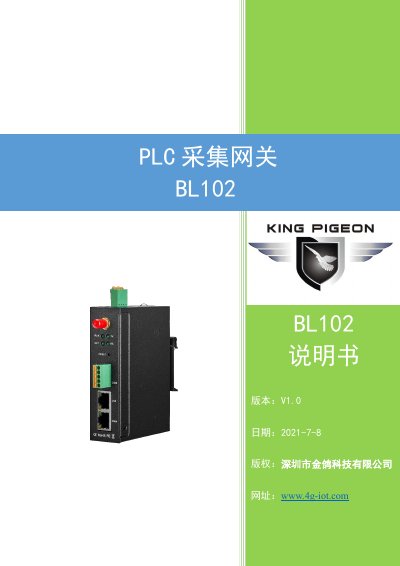
The Jinge BL102 is a PLC collection gateway designed to convert data from various industrial PLCs (such as Siemens, Mitsubishi, Omron, Delta, AB, and Schneider) into protocols like Modbus TCP, OPC UA, MQTT, and cloud platforms including Huawei Cloud, AWS IoT, and Alibaba Cloud. The device features an embedded Linux system and supports both 4G and Ethernet connectivity for high-speed, low-latency data transmission. This manual is written in Chinese.
| Memory | 128MB (expandable to 1G) |
|---|---|
| Network Ports | 2 x RJ45, 10/100Mbps |
The BL102 is used for data transmission applications in industrial Ethernet networks and 4G networks.
The device supports a DC power input voltage range of 9 to 36 volts.
The device measures 30mm by 83mm by 110mm.
Press and hold the reset button while the device is on until the RUN indicator light goes out.