
Describes the networking method and precautions of wireless full-color controller
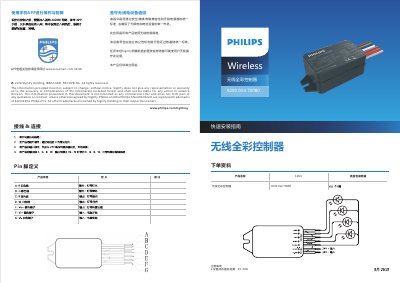
This guide explains how to install and configure the Signify Wireless Full-Color Controller using the mobile app. It covers device pairing, network setup, and troubleshooting steps for connection issues.
The controller operates via wireless communication with a range of 15–30 meters. It requires a compatible gateway and app network environment for successful setup. The device is intended for commercial use only and must comply with radio frequency regulations. This manual is written in Chinese.
The communication distance between devices is 15-30m.
You can add the device by scanning, searching, or entering the MAC address.
Check if the gateway and app network environments match, ensure the device is powered on, and try again later.