
FBC-8448S DDC controller is a multi-protocol Ethernet controller that supports Pyxos, Modbus RTU, BACnet MS/TP and other mainstream open protocols. It can be used as an independent controller or a regional controller. It supports 8 general inputs, 4 optically isolated digital inputs, 4 analog outputs (voltage and current type) and 8 digital outputs (relay type).
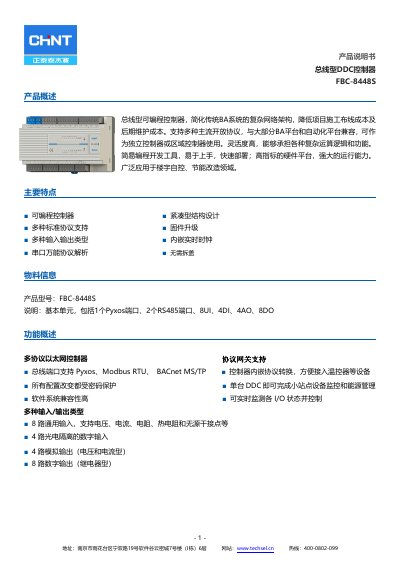
The Techsel FBC-8448S is a bus-type programmable controller designed to simplify Building Automation (BA) system network architectures. It supports multiple mainstream open protocols and is compatible with most BA and automation platforms. The device features a compact design with high hardware performance, suitable for use as an independent controller or a regional controller in building automation and energy-saving retrofit projects. This manual is written in Chinese.
| Power Supply | 24V AC/DC |
|---|---|
| Operating Temperature | 5℃-55℃ |
| Storage Temperature | -10℃-65℃ |
| Dimensions | 162mm(长)*95mm(宽)*55mm(高) |
| Installation Type | 35mm standard rail |
| Program Capacity | < 128K bits |
| Addressing Capacity | < 1024 points |
| Universal Inputs | 8 channels |
| Digital Inputs | 4 channels |
| Analog Outputs | 4 channels |
| Digital Outputs | 8 channels |
| RS485 Baud Rate | 9.6k, 19.2k, 38.4k, 115.2k etc. |
| Pyxos Bus Rate | 312.5kbps |
It supports Pyxos, Modbus RTU, and BACnet MS/TP protocols.
The default RS485 address is 1.
The default setting is 19200bps, 8-1-N.
Long press the SVC button for 5 seconds.