
This is a manual for a touch screen digital signage, including installation, usage and maintenance instructions
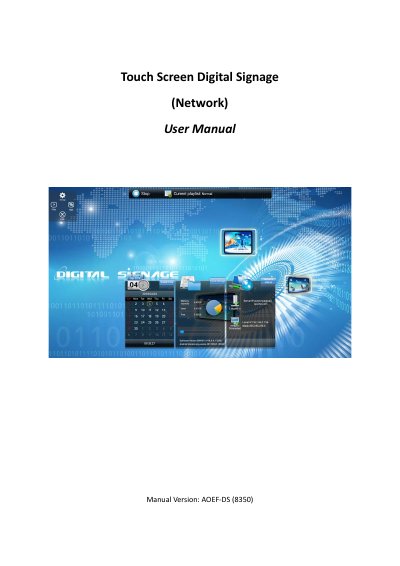
The manual guides users through installing the Digital Signage app on the AOEF-DS (8350) screen. It covers downloading firmware, preparing a FAT32 USB stick, and running the installation. After installation, the guide explains connecting the screen to the internet via Ethernet or Wi‑Fi, configuring network settings, and adjusting system options such as machine number, language, and date‑time.
Download the installation file, extract the zip, copy Droid.apk to a FAT32 USB stick, then install via the File Manager.
Change the Machine Number from 00000001 to the actual serial number (Axxxxxxx) found on the back or packaging, then tap Back and confirm.
Set the language to English (UK) in Settings > Language and Input.