
This is a document about SAP Concur Travel Setup.
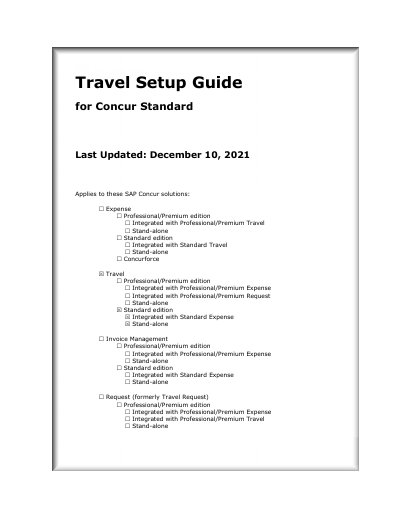
The Travel Setup Guide for Concur Standard provides step-by-step instructions for administrators to configure travel booking settings, policies, user management, and integration options through the Travel Setup Wizard. It covers 16 setup steps including travel policy, rules, organization units, payment methods, discounts, custom fields, and agency settings.
The guide applies to the Standard edition of Concur Travel, whether implemented stand-alone or integrated with Expense and Request. It also references separate Travel Service Guides for detailed feature implementation and includes appendices for service guide locations and password defaults.
This guide applies to Travel in Concur Standard edition.
The Setup Wizard has 16 steps: Travel Policy, Travel Rules, Configurable Messaging, Custom Text, Organization Units, Policy Violation Codes, Company Locations, Form of Payment, Discounts and Travel Content, Custom Trip Fields, Custom Profile Fields, Unused Tickets, Site Customization, Manage Users, Invite Users, and Agency Settings.