
ION Audio Total PA™ Titan User Guide, Describe the features and characteristics of the products in the document.
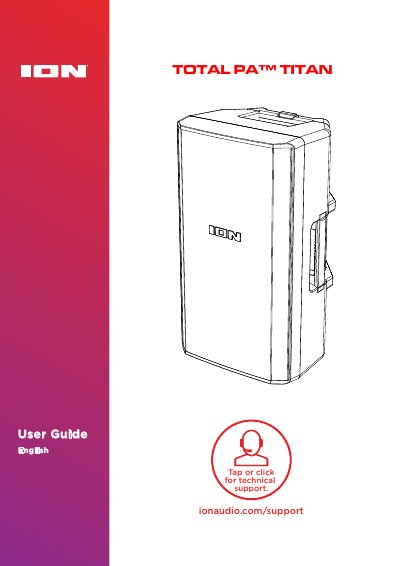
The ION Audio Total PA Titan is a portable loudspeaker with a 12-inch woofer, 1-inch tweeter, and 500 W peak output power. It supports Bluetooth 5.0, USB music playback, AUX and microphone inputs, stereo-linking, and built-in light modes.
This user guide explains stand mounting, rear-panel connections, control-knob operation, and troubleshooting. It covers distorted sound, hum, microphone feedback, and Bluetooth connection problems.
| Output Power | 500 W (peak) |
|---|---|
| Low Frequency Speaker | 12.0” (305 mm) woofer |
| High Frequency Speaker | 1.0” (25 mm) tweeter |
| Frequency Response | 55 Hz – 20 kHz |
| Speaker Mount | 1 3/8” pole mount |
| Bluetooth Version | 5.0 |
| Bluetooth Range | Up to 100 ft. (30.5 m) |
| Supported File System | FAT32 |
| Maximum USB Drive Size | 128 GB |
| Input Voltage | 100–120 V~, 60 Hz, 320 W |
Hold down the Control Knob for five seconds; the speaker will power cycle and the reset will be successful.
Point the microphone away from the speaker.
USB playback supports FAT32 file systems and MP3 files.
Bluetooth range is up to 100 ft. (30.5 m).