
This manual describes the features and installation of the pCO3 software.
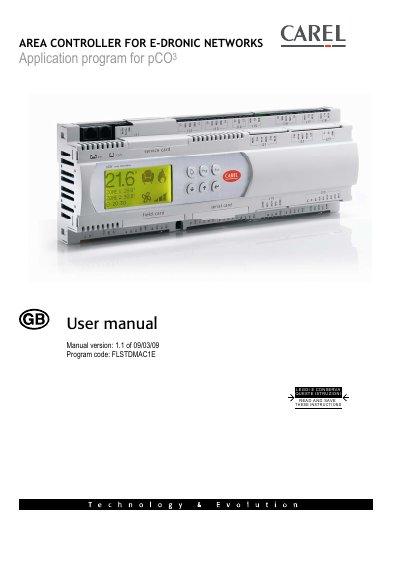
This user manual covers the E-Dronic pCO3 area controller application software, version 1.1. It explains the software functions for managing terminal units, water lines, zones, schedulers, set-point compensation, dehumidification, mixing valves, alarms, and system supervision.
It also describes the user terminal, assigning pLAN addresses, changing displays, system configuration, probes, clock and date, scheduler, chiller or boiler setpoint compensation, summer/winter changeover, dehumidification, output management, supervisor, and alarms. The manual states that the software can be loaded on pCO3 Medium and Large controllers and uses CANbus and Modbus communication.
| Terminal units | up to 100 terminal units, including 64 master units |
|---|---|
| Water lines | up to 3 water lines |
| Zones | up to 6 zones for each water line |
The software manages up to 100 terminal units, including 64 master units, up to 3 water lines, up to 6 zones for each water line, and up to 6 schedulers.
The software can be loaded on pCO3 Medium and Large controllers.
Communication with terminal units occurs over a CANbus network, and information is shared with the supervisory system via the Modbus protocol.