
ZeroGravity Talon HD Drone User Guide, introduces product usage methods, precautions and safety tips.
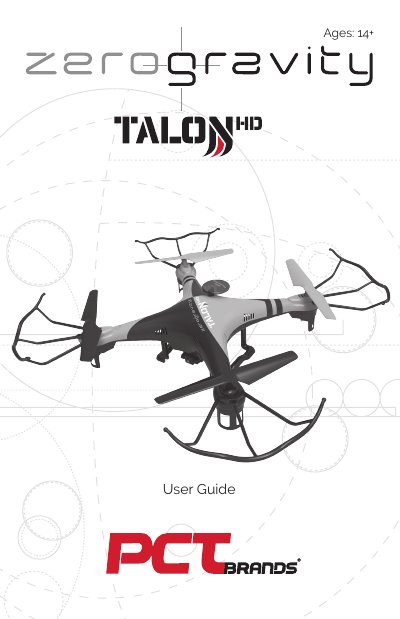
The ZeroGravity Talon HD Drone User Guide provides setup, safety, and operating instructions for the Talon HD drone, which is designed for users age 14 and up. It lists product specifications, important safety precautions, and the items included with the drone.
The guide explains how to charge the lithium-polymer battery, install or replace blades, install controller batteries, and turn the drone on and off. It also covers basic flight controls, auto-hover, one-key functions, and the controller LCD interface.
| Length | 15.75” |
|---|---|
| Width | 12.79” |
| Height | 3.15” |
| Blades | 5.39” |
| Weight | 4.58 oz. |
| Flight Range | 300 ft. |
| Flight time per battery | 7-8 minutes |
| Total flying time with three batteries | 21 minutes |
| Minimum user age | 14+ |
The average time to fully recharge the battery is 90 minutes.
You can enjoy up to 7-8 minutes of flying time on a full charge per battery.
The drone is designed for users age 14 and up.
Simply plug in or unplug the battery cable.