
This document is a user manual for Cyrus PSU-XR. It mainly introduces the function, usage method and precautions of the product.
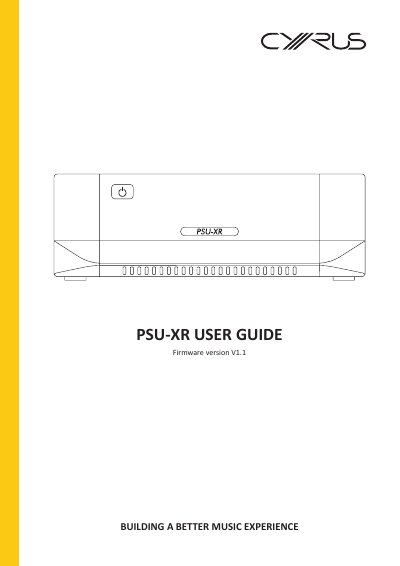
The Cyrus PSU-XR is a power supply upgrade designed for compatible Cyrus audio components. It connects through a power interconnect to units with a rear panel PSU-XR connection labelled ‘USE PSU-XR ONLY’, and one PSU-XR is required for each compatible system component.
This user guide covers safety instructions, installation, front and rear panel controls, standby/status indicators, firmware checking and updating, troubleshooting, specifications, and warranty details.
| Voltage Range (220-230V) | 220V-240V |
|---|---|
| Voltage Range (115V) | 110V-120V |
| Firmware version | V1.1 |
The voltage range is 220V-240V.
It works with Cyrus audio components that have a rear panel PSU-XR connection labelled ‘USE PSU-XR ONLY’.
Unplug the product and refer servicing to qualified service personnel.