
This manual describes the installation and operation of the 5111-3x LevelBAR HP series column indicators.
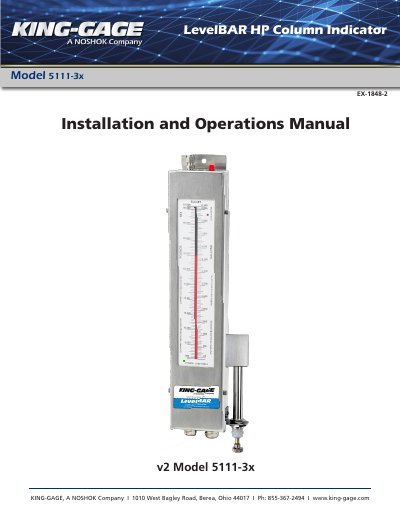
This manual covers the King-Gage 5111-3x LevelBAR HP Column Indicator, a multiple tank level display with a 100-segment LED column. It describes the LevelBAR HP liquid level gauging system, including model designations 5111-30 through 5111-33 for different pressure ranges.
Installation and operation details include pneumatic input connections, 100–240 Vac power wiring, hand pump use, status indicators, jumper settings, scale installation, and troubleshooting. Specifications cover display accuracy, input pressure ranges, transmitter accuracy, and environmental limits.
| Display Accuracy/Resolution | 1% |
|---|---|
| Display Type | 100-segment LED |
| Display Length | 10" / 254 mm |
| Input Power | 100–240 Vac, 50 / 60 Hz |
| Temperature Range | 30° to 120° F (-1° to 49° C) |
| Input Pressure Ranges | 0–5, –10, –15, –30 psid |
| Transmitter Accuracy | 0.5% FS |
Connect the LevelBAR indicator to a grounded 100–240 Vac, 50/60 Hz power source.
The red LED indicates a loop short.
Pump the handle repeatedly while observing the LED segments light, then stop when the column stops rising.