
This is an ECOsystem electronic tap timer user manual, which introduces the product's various functions and usage methods.
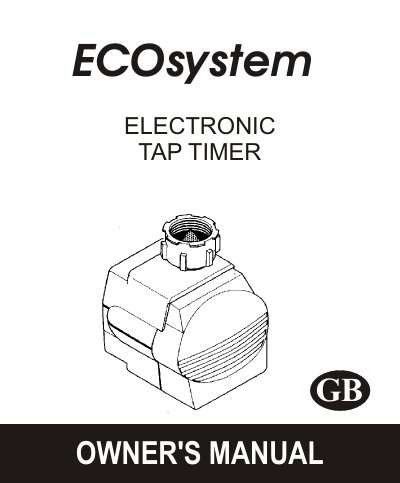
This manual guides users through installing, programming, and operating the ECOsystem Electronic Tap Timer. It explains how to set days, times, and watering cycles, including manual override and troubleshooting common issues. The device is designed for automated irrigation control with battery backup and a simple keypad interface.
Press MODE until the cycle bar is above, then use SET and ENTER to select frequency (1 = daily, 2 = every two days, etc.).
Press MODE to move the bar to program number, then use SET and ENTER to adjust ON/OFF times for each program.
Check batteries, ensure the tap is on, verify programming is complete, and confirm the start day isn't later than the current day.