
This manual describes how to build an Internet radio using a Raspberry Pi and MPD (Music Player Daemon).
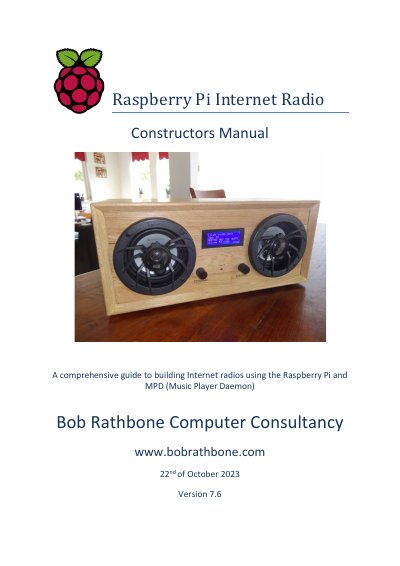
This manual provides detailed instructions for constructing Internet radios using a Raspberry Pi and MPD software. It covers hardware setup, software installation, configuration, operation, and troubleshooting. The guide supports various display types (LCD, OLED, touchscreens) and input devices (buttons, rotary encoders), and includes features like Airplay, Spotify, Shoutcast, and Icecast streaming. It also explains how to use a Web interface and text-to-speech for accessibility.
The manual is designed for both beginners and advanced users, with examples ranging from simple Adafruit LCD kits to vintage radio cases and transparent perspex enclosures. It includes wiring diagrams, technical specifications, and support for multiple Raspberry Pi models, including the Pi Zero. The guide is continually updated and includes a beginner’s version for those new to the project.
| Supported Raspberry Pi Models | 32 and 64-bit systems |
|---|---|
| Display Support | 2 and 4-line LCDs, OLED displays, TFTs, HDMI, touchscreens |
| Input Devices | Push-buttons, rotary encoders, touchscreens, IR sensors |
| Audio Devices | DACs, Bluetooth speakers, USB sound cards |
| Languages Supported | English, Russian/Cyrillic, Western European character set |
To guide users in building Internet radios using the Raspberry Pi and MPD (Music Player Daemon).
It runs on both 32 and 64-bit systems, compatible with various Raspberry Pi models.
It supports 2 and 4-line LCDs, OLED displays, TFTs, HDMI, and touchscreens.
Yes, the manual is designed for both beginners and advanced users, with a beginner’s guide available.