
This manual introduces the operation of ETC5000, including safety instructions, system design, commonly used functions, settings and system debugging
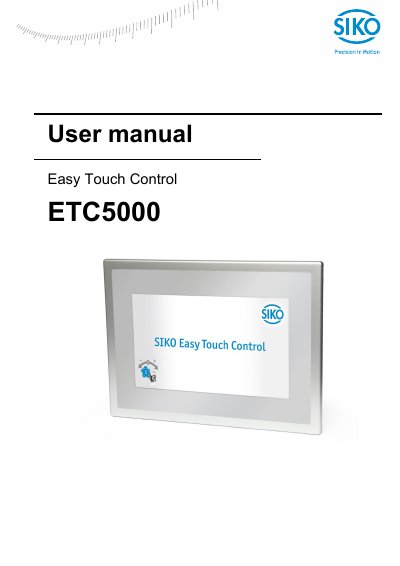
This manual guides users through operating the ETC5000 system, including logging in, setting axis positions, managing recipes, and configuring connected devices. It details how to position axes manually or via recipes, manage user accounts, and handle system maintenance. The system supports up to 31 bus-compatible devices and includes IO20 for input/output control.
ETC5000 is a complete system for the control of format adjustment.
ETC5000 is suitable for controlling up to 31 bus-compatible position indicators and actuators.
IO20 is available with 8 inputs and 8 outputs for reading in additional machine states and outputting the current state of ETC5000.
Recipes can be added, edited, and selected via the device manager or IO20, and setpoints can be transmitted to axes.