
cMT-G03 User Manual, introduces the product specifications, appearance size, connector pin designations, system settings, updating Web packages and OS, creating cMT-G03 projects, cMT-G03 supported functions, OPC UA Web Management Interface etc.
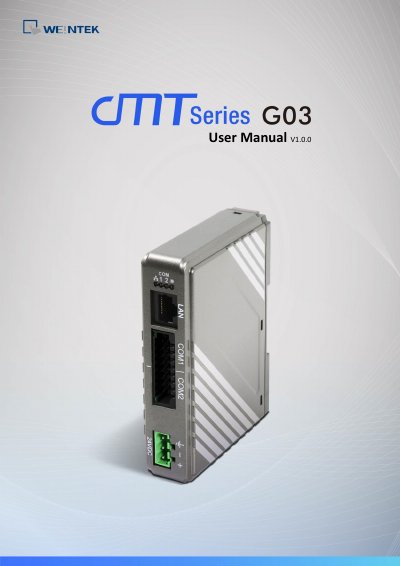
This manual guides users through configuring and operating the cMT-G03 IIoT Gateway, which acts as a serial bridge for existing controllers. It covers system settings, network configuration, LED indicators, battery, power, and OPC UA management. The device supports multiple PLC drivers and can be accessed via Ethernet or browser. It includes sections on restoring factory defaults, creating projects, and managing certificates and discovery servers.
The cMT-G03 features a compact DIN-rail mountable design with fanless cooling, 256MB flash memory, and supports RS-232/RS-485 communication. It runs on ARM RISC 528MHz processor and can be powered by 10.5~28VDC. The manual also explains how to update firmware and manage system passwords and security settings.
| Processor | ARM RISC 528MHz |
|---|---|
| Memory Flash | 256 MB |
| Power Input | 10.5~28VDC |
| Dimensions | 109 x 81 x 27 mm |
| Weight | Approx. 0.14 kg |
| Mounting | 35 mm DIN rail mounting |
| Operating Temperature | 0° ~ 50°C |
| Storage Temperature | −20° ~ 60°C |
| Relative Humidity | 10% ~ 90% (non-condensing) |
| Ethernet | 10/100 Base-T x 1 |
| COM Ports | COM1: RS-232 2W, RS-485 2W/4W; COM2: RS-232 2W, RS-485 2W/4W |
| Power Consumption | 300mA@12VDC;150mA@24VDC |
| RTC | Built-in |
| Power Isolation | Built-in |
| Vibration Endurance | 10 to 25Hz (X, Y, Z direction 2G 30 minutes) |
| Enclosure | Plastic |
| Protection Rating | IP20 |
| Software | EasyBuilder Pro V6.01.02 or later versions |
Press and hold the Default button for more than 15 seconds to restore factory default. All projects and data will be cleared.
The default IP address is set to DHCP.
Supported drivers include FATEK FB, KEYENCE KV-N14AT, KOYO CLICK, Mitsubishi FX2N, FX3U, FX5U, Q00J, Q02U, Omron CJ1M, Panasonic FP0, LS MASTER-K80SK7MDR10S, Cimon CM3-SP16MDRE, Toshiba INVERTER VF, and SIKO AP05, AG05.