
How to search for items and checkout in Sigma-Aldrich Punch-out
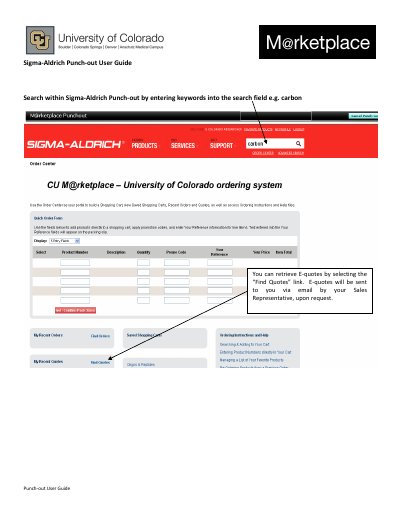
This document serves as a user guide for the Sigma-Aldrich Punch-out system. It instructs users on how to search for products by entering keywords into the search field and retrieve E-quotes via email upon request.
The guide details the process of selecting items, adding them to a cart, and initiating the checkout procedure. Once the cart is reviewed and sent back to the CU Marketplace, users can submit the order or modify quantities and add additional products as needed.
Select the 'Find Quotes' link to have quotes sent to you via email by your Sales Representative upon request.
Click the link to be transmitted back to the Punch-out where you can add or delete items before going through the checkout process again.