
This quick start guide provides an introduction to using the SEG SSN Ecosystem GUI, including how to launch the SEG client, configure client preferences, view maritime information, manage layers, view vessel information, and earth observation data.
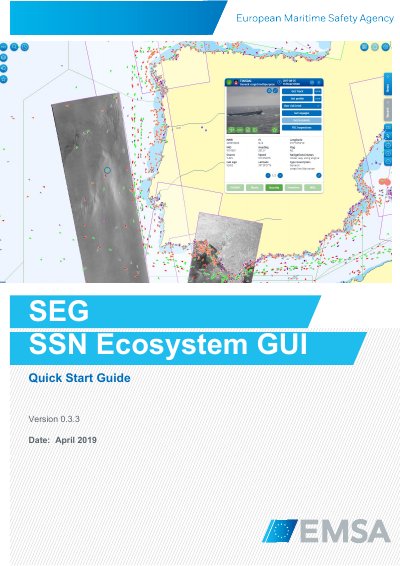
This guide introduces the SafeSeaNet Ecosystem GUI (SEG), a unified interface for maritime data services including SafeSeaNet, LRIT, and CleanSeaNet. It explains how to access the system via web browsers or mobile apps, configure user preferences, and navigate features like vessel tracking, Earth Observation imagery, and search tools. The interface is designed for desktops, laptops, and tablets with support for Chrome, Firefox, and Safari browsers.
Computer screens should have a minimum resolution of 1280 x 1024.
A minimum 6 Mbps Internet connection is required as download speed.
The default vessel information is the most recent position from an available tracking source within the last 24 hours.