
This is a 4-channel wireless NVR BOX, which supports H.264 video encoding, supports a maximum of 1TB hard disk storage, and can connect 4 IP cameras.
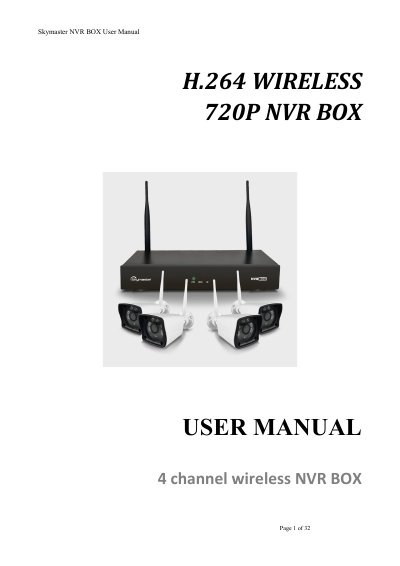
This manual provides instructions for the Skymaster NVR BOX, a 4-channel wireless network video recorder supporting H.264 encoding and 720P resolution. It details the product's general description, technical parameters, and physical interface layout, including front panel LEDs and rear connectors for VGA, HDMI, and network access.
| Channels | 4 channel |
|---|---|
| Video Resolution | 720P/D1 |
| Network Interface | 1 adaptable RJ45 10M/100M, 1 WIFI interface |
| Power Supply | DC12V/2A |
| Max HDD Capacity | 4 TB |
| Operating Temperature | -10 ℃~+55℃ |
The default user name is 'admin', and no password is required initially.
Remove the screw, connect the HDD cable and power line, assemble the screw to fix the HDD, and close the cover.
The maximum capacity is 4 TB for each drive.