
Orion SynScan V5 GoTo Hand Controller Instruction Manual

SynScan V5 GoTo Hand Controller instruction manual
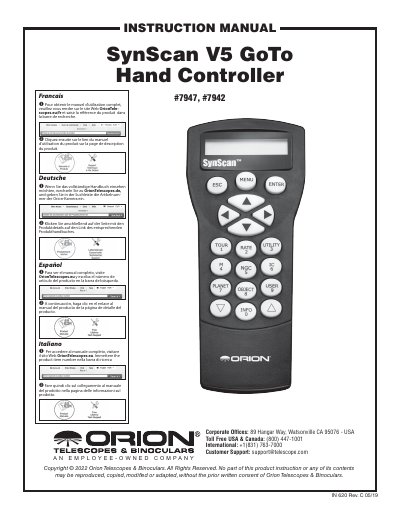

Orion SynScan V5 GoTo Hand Controller Instruction Manual - cover page
Brand
Orion
Document type
User Manual
Language
English
Pages
32
File format
PDF
File size
3.9 MB
Published
27 October, 2023
Updated
27 October, 2023
MD5 checksum
BF76337F103AEE0430B7C9A975B87860

About this manual

This manual guides users through operating the SynScan V5 GoTo Hand Controller, including initialization, star alignment, object location, and mount settings. It details keypad functions, slewing controls, and advanced features like PEC and GPS integration. The controller connects to Orion GoTo mounts via RJ-45 or RJ-12 ports and supports computer connection for astronomy software.

The manual includes safety warnings, such as never looking at the Sun without a proper solar filter, and provides troubleshooting and firmware update instructions.

What's inside

  • Overview and Operating Modes
  • Initialization
  • GoTo Star Alignment
  • Locating Objects
  • Configuring Hand Controller and Mount Settings
  • Advanced Functions
  • Connecting SynScan to a Computer
  • Updating Firmware
  • Using a SynScan GPS Module
  • Appendices

Frequently asked questions

What is the SynScan V5 GoTo hand controller used for?

It provides easy, computerized location of thousands of night sky objects for viewing through your telescope.

What are the two operating modes of the SynScan V5 hand controller?

Full Feature Mode and Easy Tracking Mode.

What does the RATE key do on the hand controller?

It changes the slew speed controlled by the directional keys, with 10 speeds from 0 (slowest) to 9 (fastest).

What is the slowest slew speed setting on the hand controller?

Rate 0, which is the slowest speed ideal for centering an object in a high-power eyepiece or for manual guiding.

Download PDF (3.9 MB)

More Orion Manuals


View all Orion manuals →