
This document introduces the features and use of Cob Sensor Light 11417/11418, including battery installation, determining the installation location, hardware installation method.
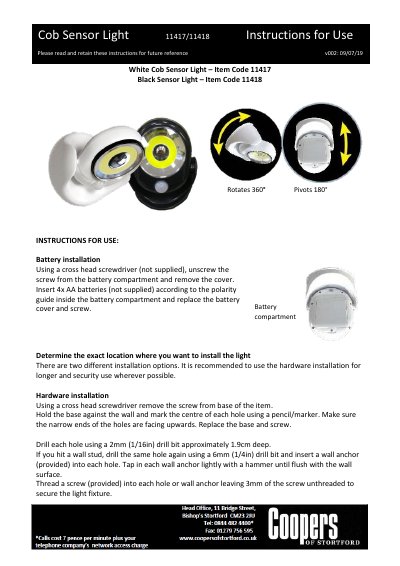
This document provides step-by-step instructions for installing the Cob Sensor Light, available in white (11417) and black (11418) models. Installation options include hardware mounting with screws and wall anchors, or adhesive strip mounting on smooth surfaces. The light features motion and light sensors, turning on in low light when motion is detected and automatically shutting off after 25 seconds.
Safety precautions cover battery handling, disposal, and environmental compliance, including warnings against mixing old and new batteries, disposing of batteries in fire, and following local recycling regulations for packaging and end-of-life disposal.
Use a cross-head screwdriver to remove the base screw, mark hole positions on the wall, drill 2mm holes 1.9cm deep, insert wall anchors if hitting studs, and secure the light with screws leaving 3mm unthreaded.
The motion sensor detects motion within a 90° angle with a maximum distance of 5 meters.
The LED lights will automatically shut off after 25 seconds with a single detection.