
This engineering manual describes the installation, service and configuration of the REVO C/REVEX service terminal application in Pro-Face GP4116 touchscreen.
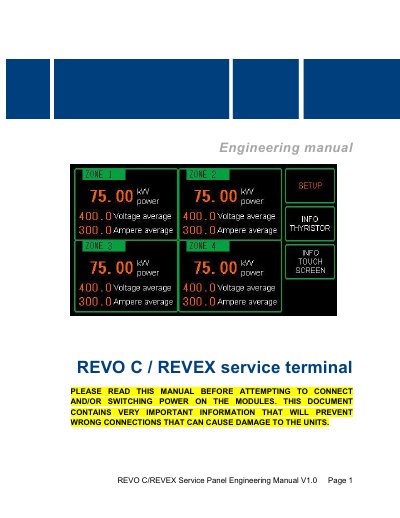
This manual provides step-by-step instructions for connecting and configuring the REVO C/REVEX service terminal with a Pro-Face GP4116 touchscreen. It includes wiring details, communication port settings, and touchscreen setup procedures. Safety warnings and operational guidelines are emphasized to prevent damage or hazardous situations. The document is intended for technically trained personnel and references the user manual for normal operation.
The system consists of a Pro-face GP4116 touchpanel with RS-485 interface and a REVO C/REVEX power module (1, 2, or 3 phase versions). Configuration must be performed by qualified personnel, and the manual advises thorough reading before system startup to avoid errors or damage.
Connect the RS485 modbus communication cable between the REVO C M5 port and the GP4116 COM1 connector. For larger thyristors, use M1 point 11-12.
Set the COM1 comport speed to 19200bps and the desired Modbus address (1, 2, 3, or 4).
Use a Lapp RS-485 modbus communication cable that is 120ohm impedance corrected, such as Lapp Unitronic bus LD 2x2x0.22 article number 2170204.