
This is a hardware user manual for an Android network advertising machine. It includes safety instructions, content instructions, and operating instructions.
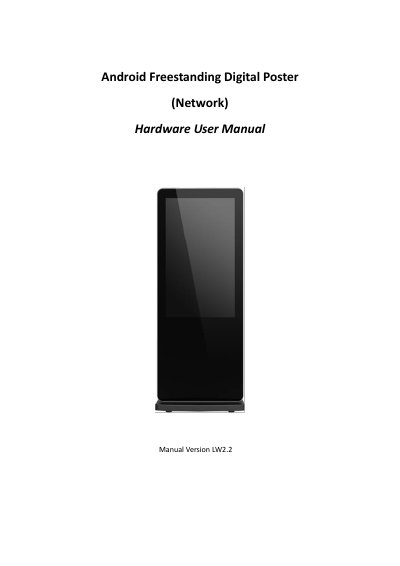
This manual guides users through setting up and operating an Android-based freestanding digital poster with network capabilities. It covers safety instructions, remote control usage, system menu operations including display settings and network configuration, and troubleshooting common issues. The manual also includes guidance on media file compatibility and conversion for optimal display performance.
The device supports various media formats and can be controlled via a remote. Users are instructed to avoid exposing the unit to liquids, handle glass components carefully, and ensure proper ventilation. The manual includes sections on updating the screen offline, playing PowerPoint presentations, and converting video files to compatible formats such as HD MP4.
The screen mode setting does not match the display orientation or content format.
Use the plug and play method to update the screen without internet connectivity.
The manual does not specify exact steps for playing PowerPoint presentations, but it covers general media playback and file management.
The file does not have a 16:9 aspect ratio (1920x1080); resize it to 1920x1080 pixels.