
Installation Manual
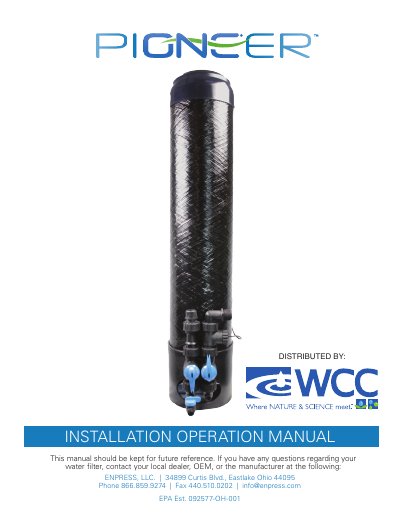
This manual provides step-by-step instructions for installing and maintaining the ENPRESS water filtration system. It covers initial setup, cartridge installation, and the procedure for replacing the filter cartridge without tools. The system features a real-time LED notification system to indicate when filter replacement is needed.
| Filter Housing Connection | 1" Threaded MNPT |
|---|---|
| Minimum Operating Temperature | 34 F / 1 C |
| Maximum Operating Temperature | 120 F / 50 C |
| Minimum Operating Pressure | 20 psig / 1.38 bar |
| Maximum Operating Pressure | 125 psig / 8.6 bar |
| Electrical Requirements | Grounded & Unswitched 115 V outlet |
| Filter Size | 8" x 40" |
| Micron Rating | 0.5 Micron |
| Rated Capacity (Lead Reduction) | 100,000 gallons @ 4.51 GPM |
The system must be run for a minimum of 10 minutes before use.
No tools are required; the system uses a snap-ring technology for easy replacement.
Green means the filter is good, Yellow means change soon, and Red means change now.