
This manual introduces the basic operation methods of EYES P100 FULL NDI camera, including system configuration, camera control methods, menu settings, etc.
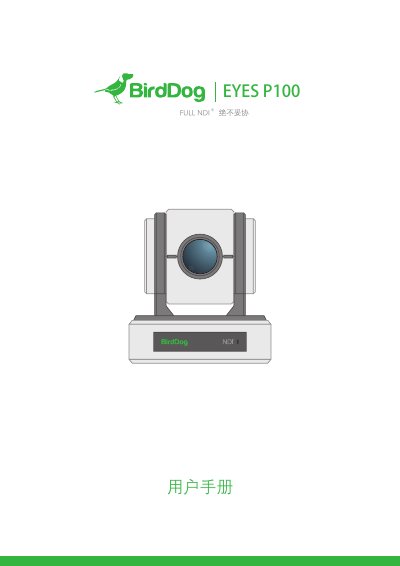
This manual covers setup, operation, and maintenance of the BirdDog Eyes P100 camera. It includes instructions for connecting via HDMI, SDI, NDI, and various control protocols. Safety warnings and maintenance tips are provided for proper use and longevity. The camera supports 1080P60 resolution, 10x optical zoom, and 128 presets via RS-485 or VISCA over IP. This manual is written in Chinese.
| Resolution | Up to 1080P60, 1080i59.94 |
|---|---|
| NDI Resolution | Up to 1080P60, 1080P30 |
| Zoom | Optical 10X |
| Video Output | HDMI, 3G-SDI, CVBS, NDI® |
| Pan/Tilt Range | ±175° horizontal, -30° to +90° vertical |
| Presets | 128 presets, 150°/sec |
| Power Input | DC 12V, POE (IEEE802.3at) |
It supports 1080P60 and 1080i59.94 resolution, with NDI® output up to 1080P60 or 1080P30.
The camera supports 128 presets, with a preset speed of 150 degrees per second.
It supports RS-232, RS-422/485, VISCA over IP, and infrared remote control.
It accepts DC 12V or PoE (IEEE802.3at).