
This document is the Juniper Networks NETSCREEN-500 User's Guide, which introduces the features and characteristics of the product.
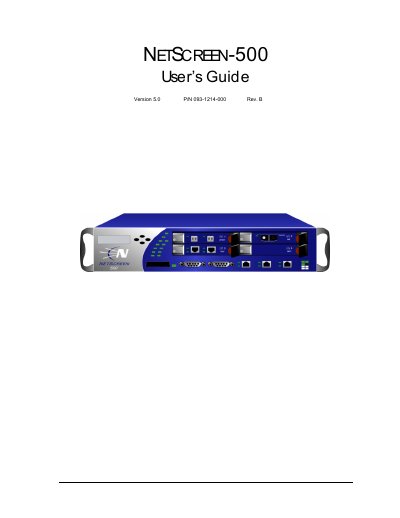
This document provides step-by-step instructions for installing, configuring, and servicing the Juniper Networks NetScreen-500 firewall. It covers hardware setup, interface configuration, initial setup via CLI or menu, and maintenance tasks such as replacing modules or power supplies. The guide is intended for network administrators managing medium to large enterprise security deployments.
The NetScreen-500 integrates firewall, VPN, high availability, and traffic management in a modular chassis powered by Juniper’s GigaScreen ASIC for performance and security.
| Processor | GigaScreen ASIC |
|---|
Set the IP address for the management interface using the CLI or menu system, as described in Chapter 3.
The NetScreen-500 supports 10/100 Mbps, Gigabit Interface Connector (GBIC), and Mini-GBIC interfaces.