
This manual introduces the appearance, specifications, connectors, indicators and other information of Cubemars AK series actuators.
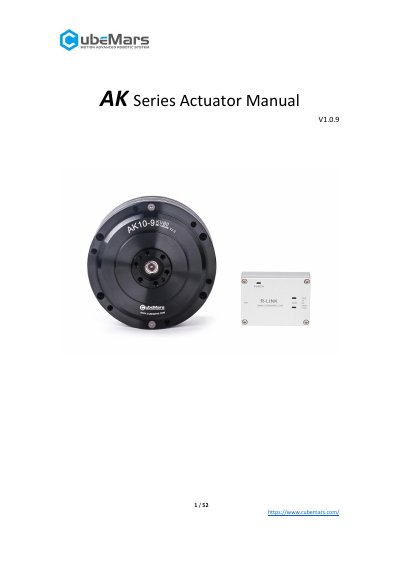
The CubeMars AK Series actuators feature a high-performance driver board utilizing Field Oriented Control (FOC) algorithms and active disturbance rejection control technology. The system is designed to control speed and angle when matched with modular motors and can be configured using CubeMars Tool assistant software.
The documentation covers the appearance and specifications of the driver board and R-link components, including detailed connector definitions, indicator light meanings, and main accessories. It also provides comprehensive instructions for upper computer usage, including calibration, control demos, and firmware updates.
| Rated Voltage | 24V-48V (12V-24V for only AK60-6) |
|---|---|
| Peak Voltage | 52V |
| Rated current | 20A |
| Peak current | 60A |
| Power consumption | ≤50mA |
| Can bus bit rate | 1Mbps |
| Size | 62mm×58mm |
| Working Environment temperature | -20℃-65℃ |
| Maximum allowable temperature of driver board | 100℃ |
| Encoder Accuracy | 14bit(single turn absolute) |
It means the drive board has been damaged to some extent; the power supply should be turned off and no operation is allowed.
No, different control modes cannot be switched when the driver board is working; you must reboot the power to the driver board to change modes.
The maximum allowable temperature for the R-link board is 85℃.