
This manual describes how to use the VMX-agility remote keypad to control, monitor and program up to 32 VMX-agility soft starters.
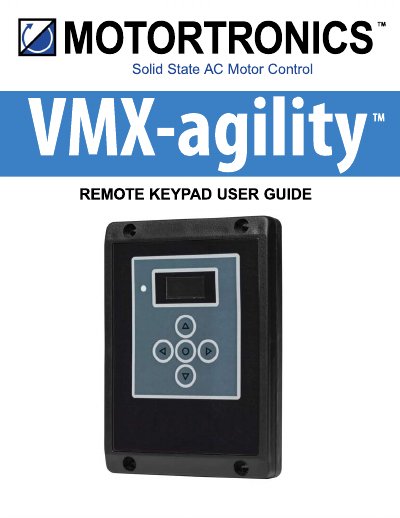
This user guide explains how to connect, operate, and program the VMX-AGY-010 remote keypad with VMX-agility soft starters. It covers network setup, mounting, enabling keypad power, firmware updates, and switching between multiple host units. The keypad acts as a Modbus master and requires identical communication parameters on all connected units to function properly.
The guide includes step-by-step instructions for initial power-up, selecting Modbus addresses, and mounting the unit. Firmware updates are performed via USB, and the document includes a California Proposition 65 warning for users in California.
Scroll to DEVICE menu → KEYPAD menu → KEYPAD PWR = ON.
Communication will not be established and the keypad will display a screen indicating the issue.
Download the latest firmware from www.motortronics.com, copy it to a USB flash drive, power down the keypad, insert the USB, and power it back up to start the update.