
Introduces the features and functions of the Minimoog Voyager Editor/Librarian software, as well as how to install and use the software
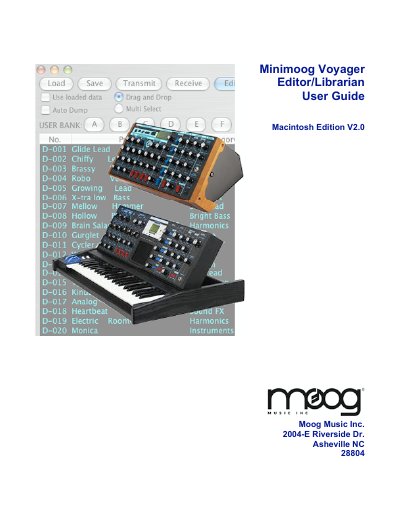
This guide explains how to install and use the Moog Music Voyager Editor/Librarian software on Macintosh systems. It covers MIDI setup, program organization, editing presets, managing banks, and using the Librarian and Genetics features. The software allows users to edit, organize, and transfer presets to the Voyager synthesizer, with support for seven banks of 128 presets each. It also includes tools for morphing presets, auditioning sounds remotely, and updating the Voyager’s operating system.
| Supported Sound Banks | Seven banks of 128 presets |
|---|---|
| Parameter Resolution | User selectable 16-bit or 8-bit |
| MIDI Channels | Channels 1-16 |
| Voyager OS Requirement | V3.2 or higher |
| Minimum Screen Resolution | 1024 x 768 |
It is designed to run on Macintosh computers under OSX only.
Yes, the software will operate with or without the Voyager V3 upgrade hardware.
Saving files, loading files, writing presets to the Voyager, and transmitting the User Bank are disabled, with limited panel edits and a time limit.