
SMART AC CS374U-APP(OSK102) Smart Air Conditioner User Manual

This manual describes the use of CS374U-APP(OSK102) Smart air conditioner, including installation, connection and use.
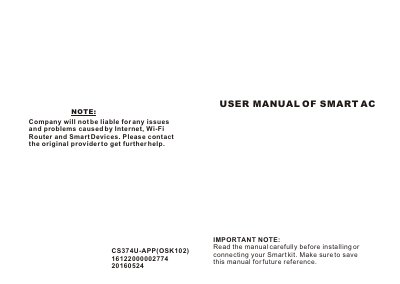

SMART AC CS374U-APP(OSK102) Smart Air Conditioner User Manual - cover page
Brand
SMART AC
Category
Other
Document type
User Manual
Language
English
Pages
12
File format
PDF
File size
1.1 MB
Published
27 October, 2023
Updated
27 October, 2023
MD5 checksum
88430E74A0C3393412632B1596779C84

About this manual

This manual provides instructions for the SMART AC CS374U-APP(OSK102) smart air conditioner. It covers the installation of the smart kit, user registration, and network configuration via a mobile application. The document details how to connect the device to a Wi-Fi network using an Android or iOS device.

What's inside

  • Specification
  • Precautions
  • Download and Install App
  • Install the Smart Kit
  • User Registration
  • Network Configuration
  • How to Use App
  • Special Functions

Frequently asked questions

What is the maximum transmitted power of the Wi-Fi antenna?

The maximum transmitted power is 15dBm.

What is the operating temperature range for the air conditioner?

The operating temperature range is 0 C~45 C/32 F~113 F.

What is the required minimum camera resolution for scanning the QR code?

The smartphone camera needs to be 5 million pixels or above.

What is the default password for connecting the air conditioner to the Wi-Fi network?

The default password is 12345678.

Download PDF (1.1 MB)