
The document is a manual for the RT-15 flow monitor, which introduces how to install, use and configure the RT-15 flow monitor
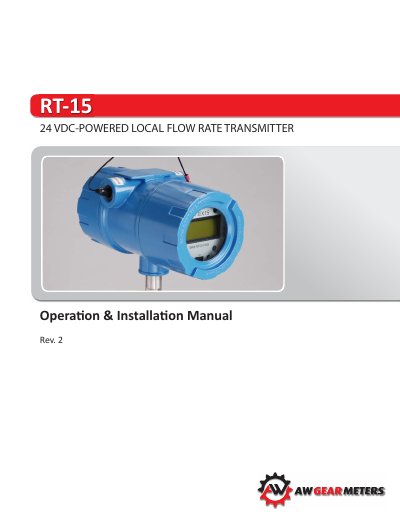
This manual provides instructions for installing, programming, and operating the RT-15 Flow Monitor, a digital flow monitor by AW Gear Meters. It includes safety guidelines, unpacking instructions, power connection details, and programming steps for parameters like KFR, KFT, and engineering units. The device supports various sensor noses for compatibility with different flow meters and features a NEMA 4X enclosure for hazardous locations.
The RT-15 can be programmed using pushbuttons when the cover is open or via magnetic switches when closed. It supports analog and pulse outputs, and can be remotely monitored or reset via computer or PLC. Specifications include 15–24 VDC power, 0–4000 Hz frequency range, and temperature ratings up to 175°C for the RT-15C model.
| Power | 15–24 VDC/200mA (customer supplied) |
|---|---|
| Sensor/Monitor Frequency Range | 0–4000 Hz |
| Analog Output | 4–20 mA, 16-bit isolated loop powered 2-wire output |
| Temperature Ratings | –20 to 60°C (–4 to 140°F) ambient; 85°C (185°F) max. fluid temperature (standard); 175°C (350°F) max. fluid temperature (RT-15C) |
| Enclosure Certification | NEMA 4X |
The RT-15 is compatible with various sensor noses including MAG-PB (RT-15A), IR-PB (RT-15B), CP-30 (RT-15C), and MG-300 (RT-15D), depending on the flow meter series.
With the cover open, use the MODE/DN button to view TOTAL and RESET/UP button to reset. For GR TOTAL, use MODE/DN and SEL to view GR TOTAL, press RESET/UP plus ENT, then SEL for “Y” and ENT to reset and exit.