
This document is the installation manual for Centroid MPU11, AC/DC, GPIO4D. It provides detailed instructions on the composition, installation, and use of the product.
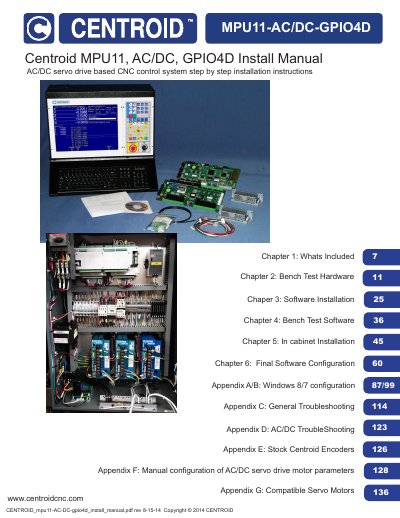
This manual provides step-by-step instructions for installing the Centroid MPU11-AC/DC-GPIO4D CNC control system. It covers the setup of the MPU11 motion processing unit, GPIO4D programmable logic controller, and AC/DC servo drive. The guide includes procedures for bench testing, software installation, and final configuration.
| Controlled Axes | up to eight axes |
|---|---|
| Controlled by | industry standard G-Codes |
| MPU11 Part Number | 11012 |
| GPIO4D Part Number | 11018 |
The AC/DC supports over 60 different motors, including over 50 Fanuc motors, 6 SEM motors, and 4 Mecapian motors.
Most motors with a continuous stall current between 30 and 5 amps can be adapted, covering approximately 500 watts to 6,000 watts.