
This is the instruction manual of Konka Huiyan family camera, which introduces the function, usage method and precautions of the device.
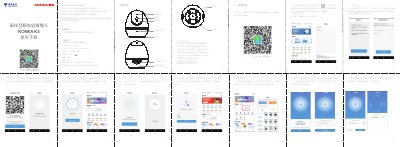
This is the instruction manual for the Konka K3 Family Camera, a home camera produced by Sichuan Konka Intelligent Terminal Technology Co., Ltd. It explains how to download the app, bind the device, and connect using WiFi or wired methods. Setup requires China Telecom broadband and a Tianyi Gateway 3.0.
The manual also lists product specifications, indicator light states, packing contents, usage precautions, maintenance instructions, and the one-year warranty terms. This manual is written in Chinese.
| Product Name | Konka Huiyan Family Camera |
|---|---|
| Model | KONKA K3 |
| Dimensions | 117mm x 95mm x 95mm |
| Power Input | DC 5V 1A |
| Focal Length | 3.6mm |
| Pixels | 2 million |
| Storage | MicroSD card, max 128GB |
| Supported Devices | Android 4.4 or iOS 9.0 and above |
| Warranty Period | 1 year |
Download and install the '小翼管家' app by scanning the QR code or searching in the app market.
It means the device is not bound or has been deleted.
The product warranty period is one year from the date of purchase.