
This document is a user manual for KiSS DP-558 Digital Video Recorder, which introduces the features of the product, including Online Electronic Program Guide, Remote EPG, TimeShift, Network, Online Services, Hard Disk, DVD/DivX/Nero Digital Player
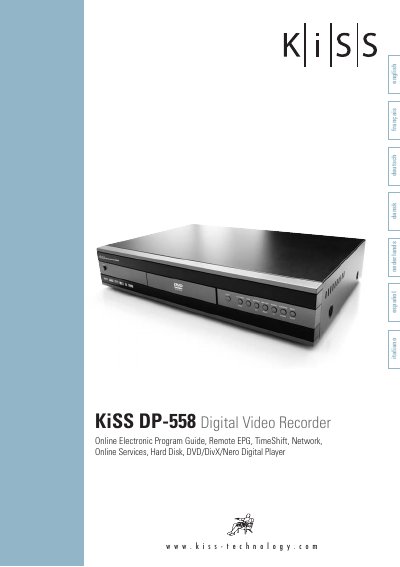
The KiSS DP-558 is a digital video recorder with DVD, DivX, and Nero Digital playback, a hard disk, TimeShift, network, and online EPG functions. The package includes the player, remote control, power cable, SCART cable, batteries, and audio/video cables.
This manual explains how to connect the player to a TV, amplifier, or PC, run quick setup, use television and video recorder functions, manage the hard disk and FTP, play media, use KiSS PC-Link and KiSS Online, update the firmware, and contact KiSS support.
| Back panel interfaces | Ethernet, TV Antenna in/out, SCART in/out, Video Output, S-Video Output, Component Video Output, Analog Audio Output, Coaxial Audio Output, Optical Audio Output, Video Input, S-Video Input, Component Video Input, Analog Audio Input, AC Input |
|---|---|
| Front panel controls | On/Off, CD Tray, Open/Close, Play/Pause, Stop, Previous Chapter, Next Chapter, Rewind, Fast Forward |
The box contains the KiSS DP-558, KiSS PC-Link Software CD, power cable, SCART cable, batteries for the remote, composite video, S-Video, remote control, antenna cable, and audio cable.
Re-check the cable connections.
The latest firmware is available from www.kiss-technology.com/software.